How to wire the control terminals on an Invertek Optidrive Eco (ODV-3)
By Tristan Newton, Commercial Director · 9 January 2026 · 4 min read
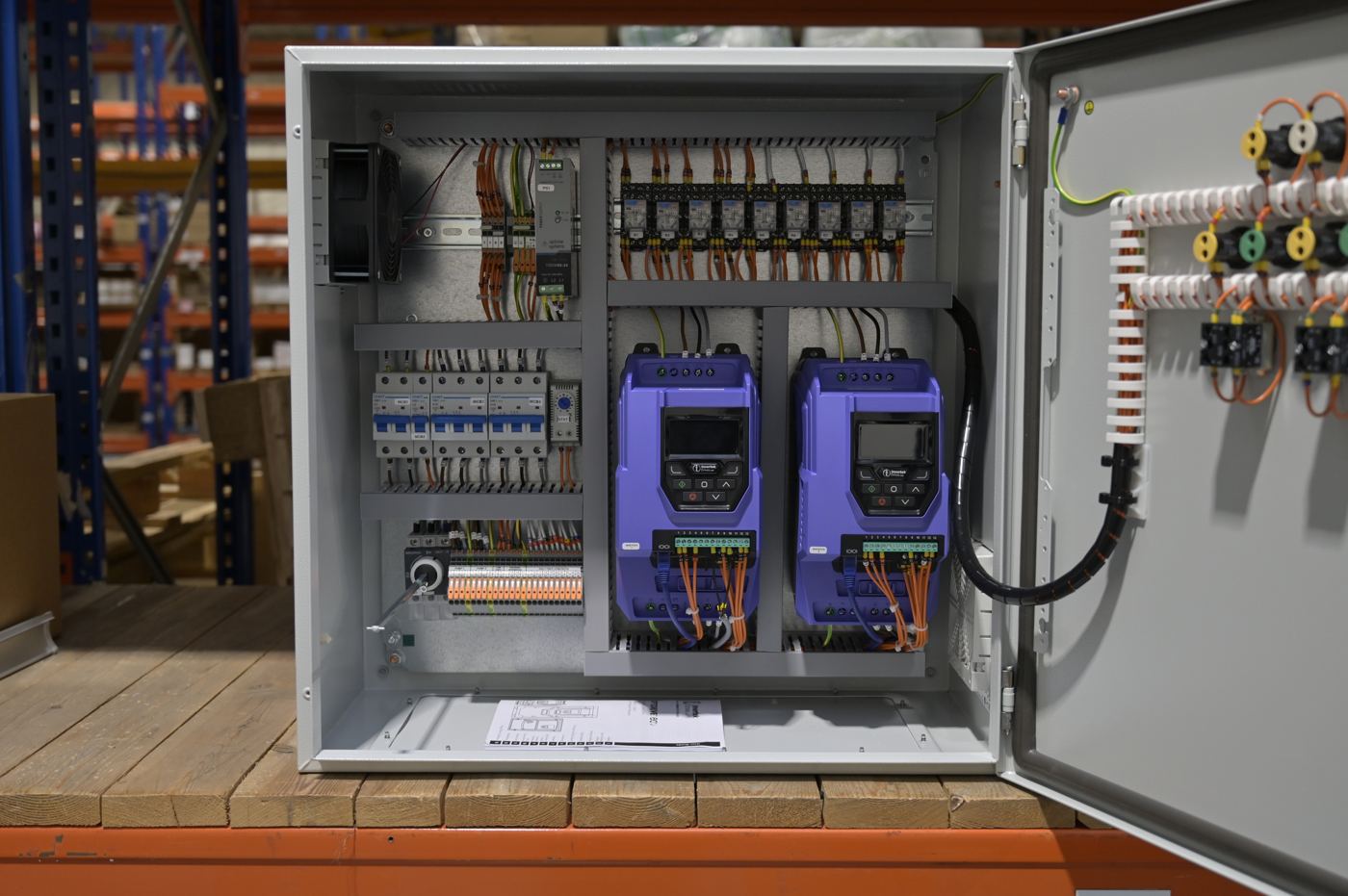
The Invertek Optidrive Eco (ODV-3) is a popular choice for HVAC and pump applications across the UK. Whether you're controlling a fan motor or a borehole pump, getting the control wiring right is essential for reliable operation. This guide covers the control terminal layout, common configurations, and the key parameters you'll need to set.
Control Terminal Overview
The ODV-3 uses a standard terminal block layout for control connections. All control terminals are low voltage and isolated from the power stage. Here's the default configuration (almost all terminal functions can be altered in the settings, for example the 0-10V signals can be changed to 4-20mA):
| Terminal | Function | Notes |
|---|---|---|
| 1 | +24VDC Supply | On-board supply (100mA max) or external 24VDC input |
| 2 | Digital Input 1 (Enable) | Run/Stop – Enable to run, open to stop (8-30VDC) |
| 3 | Digital Input 2 | Enable to run in reverse |
| 4 | Digital Input 3 | Enable to run at preset speed, open to run at speed set on keypad |
| 5 | +10V Reference Output | For potentiometer supply (10mA max) |
| 6 | Analogue Input 1 | Speed reference 0-10V (this can also be set as digital input 4) |
| 7 | 0V Common | Reference for control signals |
| 8 | Analogue Output 1 | Motor speed 0-10V |
| 9 | 0V Common | Reference for control signals |
| 10 | Digital input 5 | Enable to run at 40Hz, open to run at 50Hz (this can also be set as analogue input 2) |
| 11 | Analogue Output 2 | Motor current 0-10V |
| 12 | Safe Torque Off +24V | Link to 24V if STO not required (see below) |
| 13 | Safe Torque Off 0V | Link to 0V if STO not required (see below) |
| 14, 15, 16 | Relay Output 1 - C, NO, NC | 250VAC/30VDC, 5A max – fault relay |
| 17, 18, 19 | Relay Output 2 - C, NO, NC | 250VAC/30VDC, 5A max – running relay |
Did you know!
G&G Controls is a stockist of Invertek inverters, speak to us for pricing and stock availability.
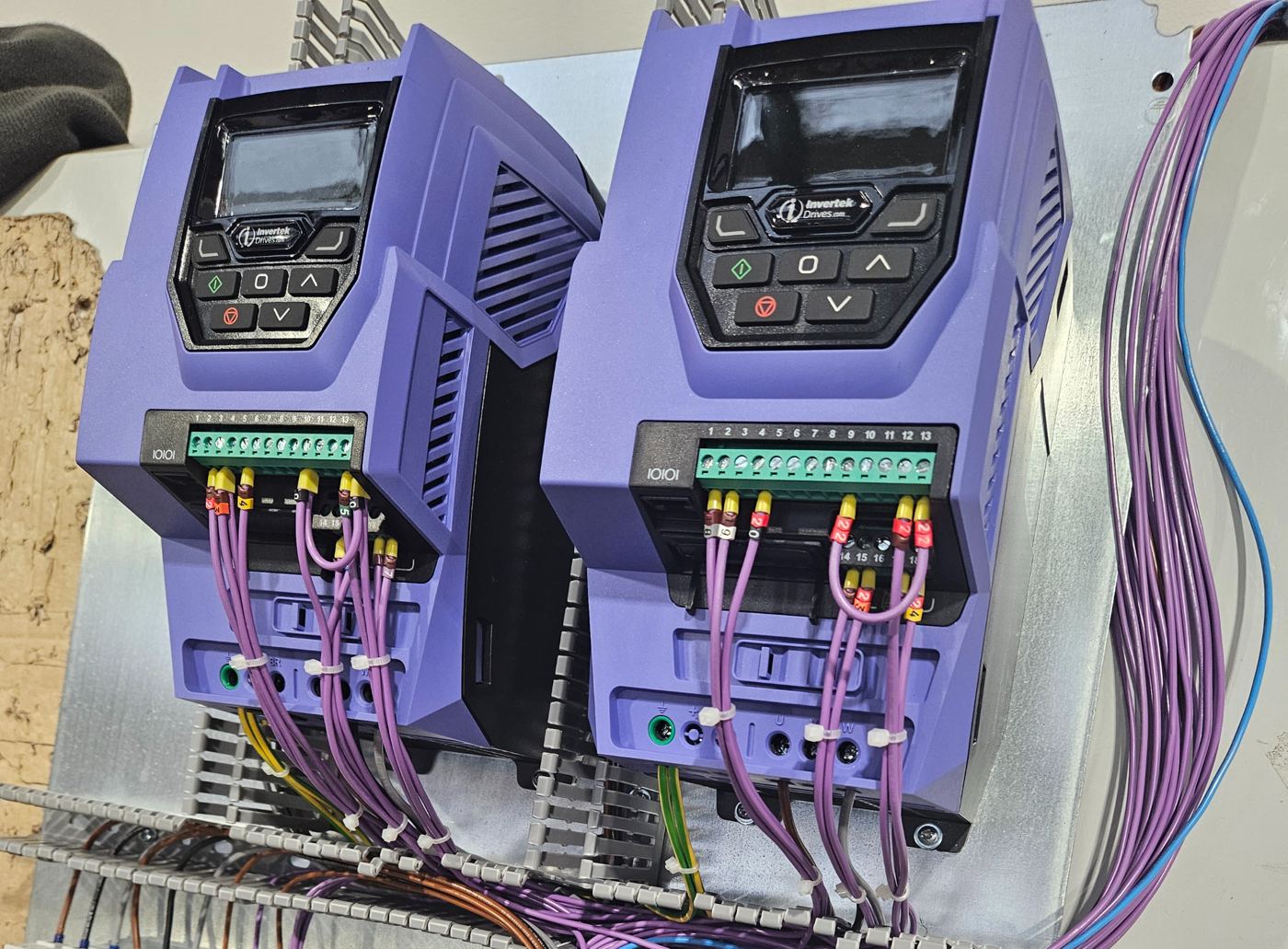
Basic Wiring: Potentiometer Speed Control
This is the simplest and most common setup for basic speed control applications. The drive runs when terminal 2 is energised and the speed is set by a 0-10V signal from a potentiometer.
Wiring Steps
- Connect a volt-free Run/Stop switch between terminals 1 and 2. Close the switch to run, open to stop.
- Wire a potentiometer (5kΩ to 10kΩ) with the wiper to terminal 6, one end to terminal 5 (+10V), and the other end to terminal 7 (0V).
- If STO is not required, fit a permanent link between terminals 1 and 12, and between terminals 9 and 13.
With factory default settings (P1-12 = 0), turning the potentiometer will vary motor speed from P1-02 (minimum frequency, default 0Hz) to P1-01 (maximum frequency, default 50Hz).
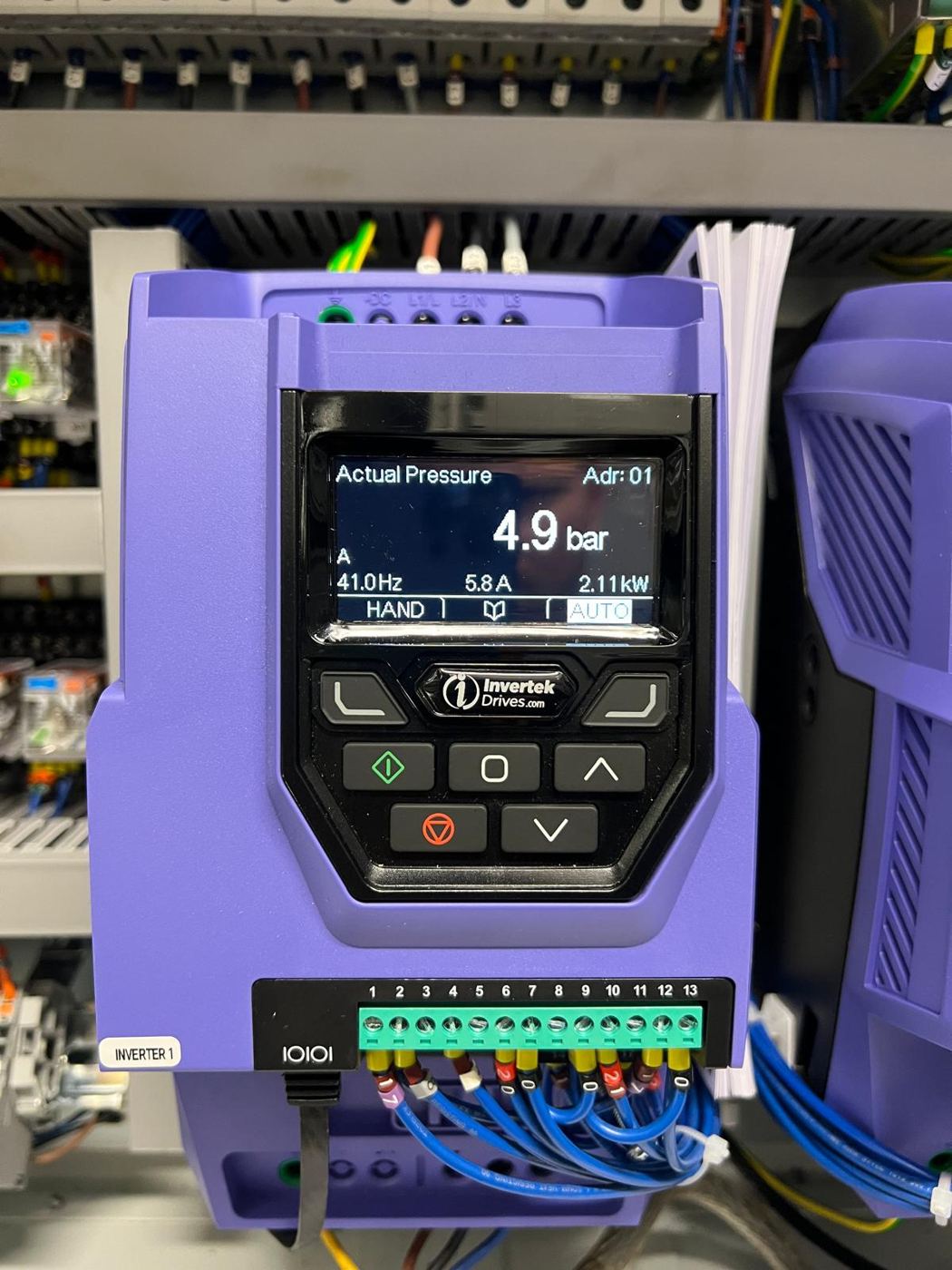
4-20mA Control Signal
For BMS or PLC integration, you'll typically use a 4-20mA signal. This requires a parameter change but the wiring is straightforward.
Wiring
- Connect the 4-20mA signal positive to terminal 6
- Connect the 4-20mA signal negative to terminal 7
- Wire Run/Stop as above (terminals 1-2)
Parameter Setting
Set P1-16 = 2 for standard 4-20mA operation. If you need signal loss detection (drive trips below 3mA), use P1-16 = 3. This is useful for detecting broken wiring or failed transmitters.
Safe Torque Off (STO)
The ODV-3 includes a dual-channel STO function to SIL 3 / PLe. This removes the drive's ability to generate torque, useful for machine guarding applications.
For many pump and HVAC applications, STO isn't used. In this case, you must link out the STO inputs:
- Link terminal 1 to terminal 12
- Link terminal 9 to terminal 13
Without these links, the drive will not run.
To use STO, connect your safety circuit to the STO terminals. Applying +24VDC between terminals 1-12 and 0V between terminals 9-13 enables normal operation. Removing this signal disables torque output. Refer to the full Invertek user guide for integration requirements and safety considerations.
Key Parameters for Control Setup
Four parameters control most of the behaviour:
| Parameter | Function | Common Settings |
|---|---|---|
| P1-12 | Control Mode | 0 = Terminal, 1 = Keypad, 4 = Modbus |
| P1-13 | Digital Input Macro | Assigns functions to DI2, DI3, DI4, DI5 |
| P1-16 | Analog Input 1 Format | 0 = 0-10V, 2 = 4-20mA, 3 = 4-20mA with loss trip |
| P1-30 | Auto-Start on Power Up | 0 = Disabled, 1 = Enabled (if enable present) |
Practical Wiring Tips
- Use screened cable for analogue signals. Twisted pairs are ideal. Connect the screen at the drive end only to avoid ground loops.
- Keep control cables away from power cables. Where crossings are unavoidable, cross at 90 degrees.
- Maximum control terminal torque is 0.5Nm. Conductor size 0.05–2.5mm² (30–12 AWG).
- Digital inputs accept 8-30VDC. They're internally referenced to 0V.
- The on-board 24V supply is limited to 100mA. If you're powering external devices, consider an external 24V PSU.
Further Information
The full Invertek Optidrive Eco User Guide contains complete terminal specifications, macro tables, and detailed parameter descriptions. It's available from Invertek's website or your local distributor. Optidrive Eco user guide (PDF)
The information provided in this blog post is intended for general knowledge and guidance only. It does not constitute professional advice. Please consult a qualified professional for advice specific to your situation before making any decisions based on this information.
Written by the engineers at G&G Controls, a UK control panel manufacturer in Stoke-on-Trent. For general guidance only; consult a qualified professional for advice on your own installation.
Up next
Motor starting methods: DOL, star/delta, soft start and inverter
When designing control panels, selecting the right motor starting method is a key decision that can affect cost, reliability, and long-term performance.